
Banner Designer Tools: Create Stunning Banners for Marketing & Branding
In the digital age, visuals are the backbone of effective marketing. Whether it’s a website banner, social media ad, or display advertisement, the right design can grab attention, boost engagement, and drive conversions. That’s where banner designer tools come in.
From professionals to beginners, these tools make it possible to create high-quality banners without needing advanced graphic design skills. In this guide, we’ll explore what banner designer tools are, why they matter, the best ones available, and how to choose the right tool for your needs.
What Are Banner Designer Tools?
A banner designer tool is software (online or offline) that allows users to design banners for marketing, advertising, or branding purposes. These tools usually offer:

- Customizable templates
- Drag-and-drop design features
- Stock images, icons, and fonts
- Brand kit integration
- Export options in multiple formats (PNG, JPG, GIF, MP4)
Unlike traditional graphic design software (like Photoshop), banner design tools are often user-friendly, fast, and accessible online. This makes them ideal for businesses, marketers, bloggers, and social media managers who need professional visuals quickly.
Why Banners Are Important in Marketing
Banners are one of the most effective digital marketing assets. They can be used in:
- Display advertising (Google Ads, affiliate ads, programmatic ads)
- Social media posts and ads (Facebook, Instagram, LinkedIn, TikTok)
- E-commerce stores (promotional banners, sales announcements)
- Websites and blogs (hero images, announcement bars)
- Email marketing campaigns
A well-designed banner can:
- Capture user attention instantly
- Communicate offers quickly (discounts, events, product launches)
- Strengthen brand recognition
- Increase click-through rates (CTR) and conversions
Best Banner Designer Tools in 2025
Here’s a list of the most popular banner maker tools that combine ease of use, customization, and professional quality.
1. Canva
- Best for: Beginners and professionals
- Features:
- Thousands of pre-made banner templates
- Drag-and-drop editor
- Brand kit support
- Animation options for GIF/MP4 banners
- Why it’s great: Canva is one of the most popular design tools worldwide, offering a balance of simplicity and advanced features.
2. Adobe Express (Formerly Adobe Spark)
- Best for: Creative professionals
- Features:
- AI-powered design suggestions
- Adobe stock image integration
- Easy resizing for different platforms
- Why it’s great: Perfect for those who want high-quality banners with Adobe’s ecosystem.
3. Fotor
- Best for: Quick designs with advanced editing options
- Features:
- Cloud-based editor
- Templates for ads, social media, and website banners
- Advanced photo editing tools
- Why it’s great: Combines banner design with photo retouching.
4. Snappa
- Best for: Marketers and bloggers
- Features:
- 6,000+ templates
- Royalty-free stock library
- Instant resizing
- Why it’s great: Perfect for creating ad banners in minutes.
5. VistaCreate (Formerly Crello)
- Best for: Animated and interactive banners
- Features:
- Animation and video banner templates
- Wide range of fonts and graphics
- Why it’s great: Ideal for dynamic ads that stand out.
6. Bannersnack (Now Creatopy)
- Best for: Professional ad campaigns
- Features:
- HTML5 banner ads
- Team collaboration features
- Multi-format ad exports
- Why it’s great: Perfect for businesses running paid ad campaigns.
7. DesignWizard
- Best for: Business and branding
- Features:
- 1M+ stock images
- Ready-to-use banner layouts
- Easy social media integration
- Why it’s great: Simple, professional, and affordable.
Key Features to Look for in Banner Designer Tools
When choosing a banner maker tool, consider:
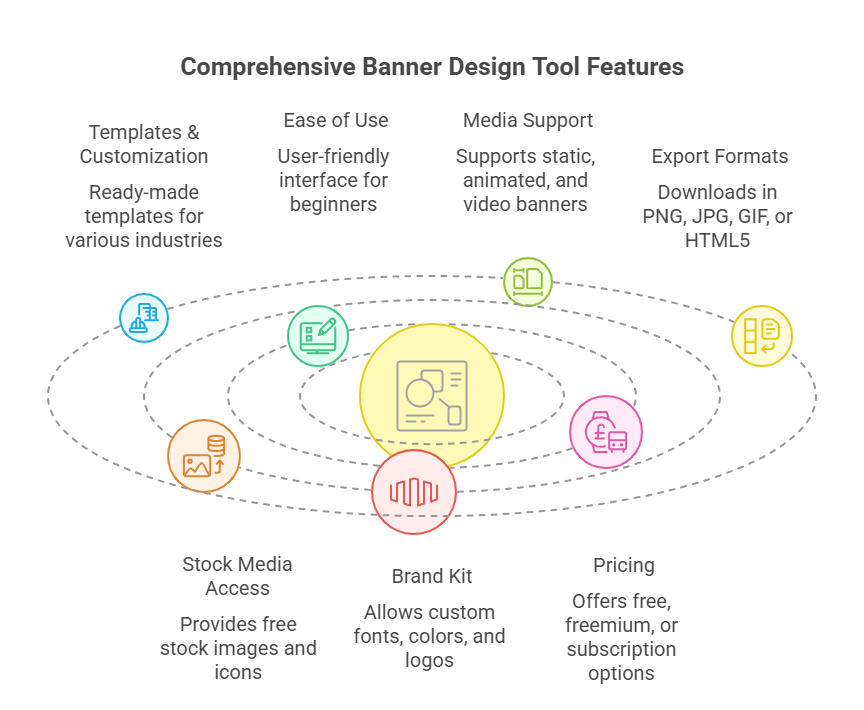
- Templates & Customization – Does it have ready-made templates for your industry?
- Ease of Use – Can beginners use it without training?
- Media Support – Does it support static, animated, and video banners?
- Export Formats – Can you download banners in PNG, JPG, GIF, or HTML5?
- Stock Media Access – Does it provide free stock images and icons?
- Brand Kit – Can you add custom fonts, colors, and logos?
- Pricing – Is it free, freemium, or subscription-based?
How to Create a Banner with Online Tools
Here’s a step-by-step guide:
- Choose a Tool – Select a banner design platform (e.g., Canva, Snappa).
- Pick a Template – Start with a pre-designed layout or create from scratch.
- Customize Design – Add text, images, icons, and branding elements.
- Optimize for Platform – Resize for Facebook ads, Google display ads, or website banners.
- Add Animation (Optional) – For GIF or HTML5 banners.
- Download & Export – Save in the correct format and resolution.
- Test Performance – A/B test banners in ads to see which design performs better.
People Also Search For (PASF) Keywords
When searching for banner design tools, people also look for:
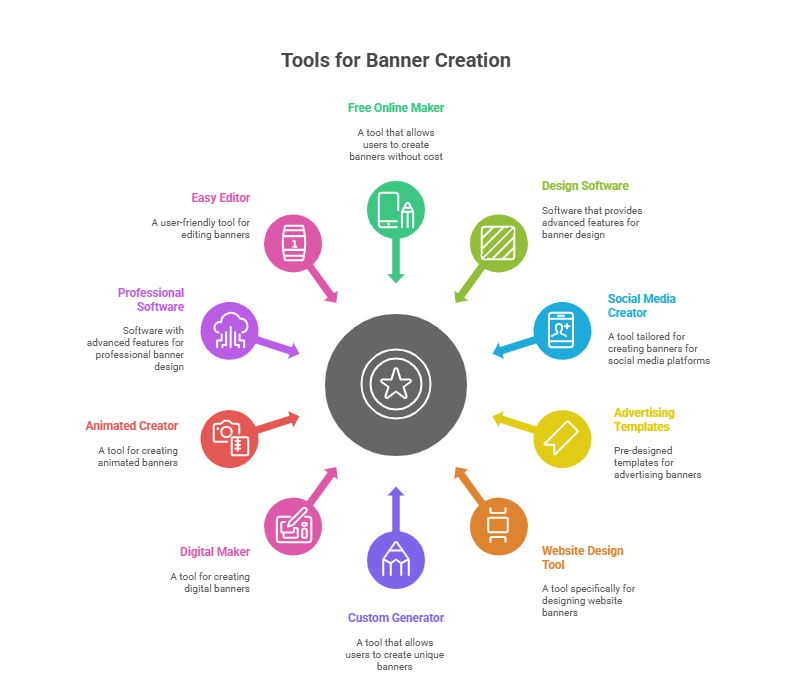
- Free banner maker online
- Banner design software
- Social media banner creator
- Advertising banner templates
- Website banner design tool
- Custom banner generator
- Digital banner maker
- Animated banner creator
- Professional banner design software
- Easy online banner editor
Including these terms in your strategy helps cover related search queries and boosts SEO visibility.
Advantages of Using Banner Design Tools
- Saves time with pre-made templates
- Cost-effective compared to hiring designers
- Beginner-friendly with drag-and-drop editors
- Cross-platform compatibility (web, ads, social media)
- Brand consistency with reusable assets
- Scalable for teams and agencies
Future Trends in Banner Design Tools
As digital advertising evolves, banner design tools will continue to improve. Some upcoming trends include:
- AI-powered designs – Auto-generate banners from text prompts.
- Interactive banners – Clickable and engaging ad formats.
- 3D and AR banners – Immersive advertising experiences.
- Automation & bulk design – Create multiple banners at once.
- Data-driven design – Tools that optimize designs based on past campaign performance.
Conclusion
A powerful banner designer tool is a must-have for anyone involved in digital marketing, branding, or online sales. From free online editors to advanced professional platforms, these tools make it possible to design eye-catching banners in minutes.
By choosing the right tool—whether it’s Canva for simplicity, Adobe Express for creativity, or Creatopy for professional campaigns—you can elevate your marketing efforts, capture attention, and drive results.
In short: a great banner is not just design—it’s strategy, creativity, and impact combined.
Leave a Reply